Personal profiles on LinkedIn include space at the top for a rectangular banner image, where you can promote yourself and your services. This is prime visual real estate.
On desktop browsers, LinkedIn renders the banner at 1400×350 pixels.
The dimensions are often reported as 1584×396 pixels but actually any image with a 4:1 ratio will work.
Avoid putting anything important in the bottom-left corner, as that’s where your profile photo will be overlaid.
The image below shows the “safe” zones in green, where you can include your important info. The top third (approx. 120 pixels) and the right half (approx. 500 pixels) are safe areas.

The above dimensions are my best guidelines but note that the actual display of the banner image depends on the viewer’s device and magnification settings.
Any text in your banner image should be large and easy to read, as most viewers will be looking at your profile on a small screen via the LinkedIn mobile app.
Here’s an example from my own profile:
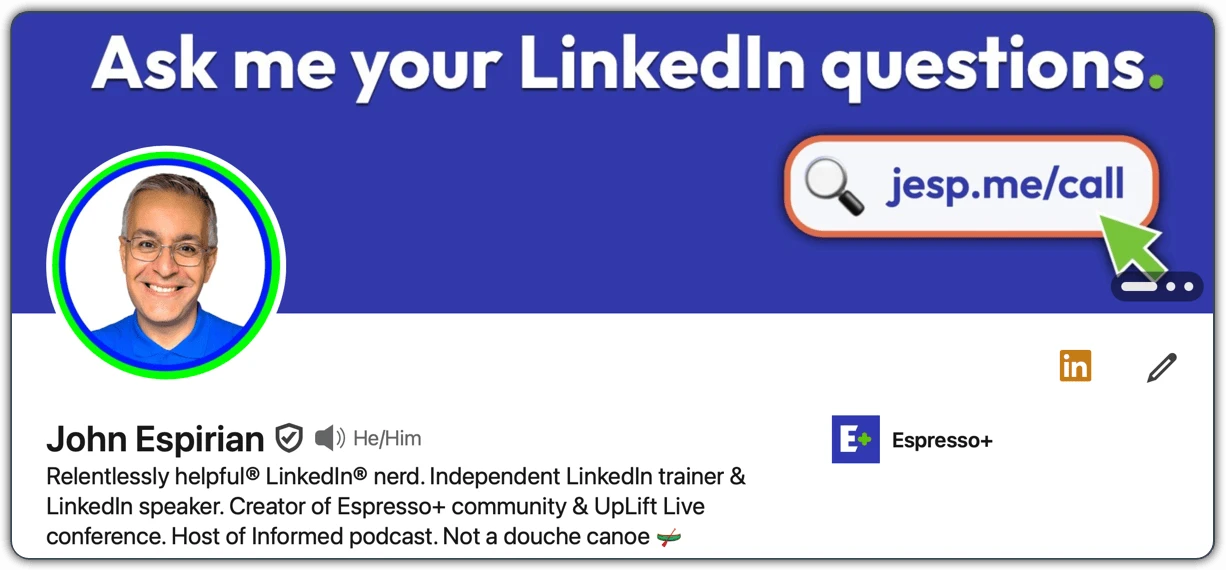
Banner images don’t support clickable links, so any pointers to web resources should be short enough that viewers could be expected to type them out. In the above example, I point to jesp.me/call for my consultation bookings page.
This was one of many tips I shared during a 2026 LinkedIn masterclass I delivered in Milan, Italy.
Need a top LinkedIn trainer or speaker? Direct message me on LinkedIn or email [email protected]
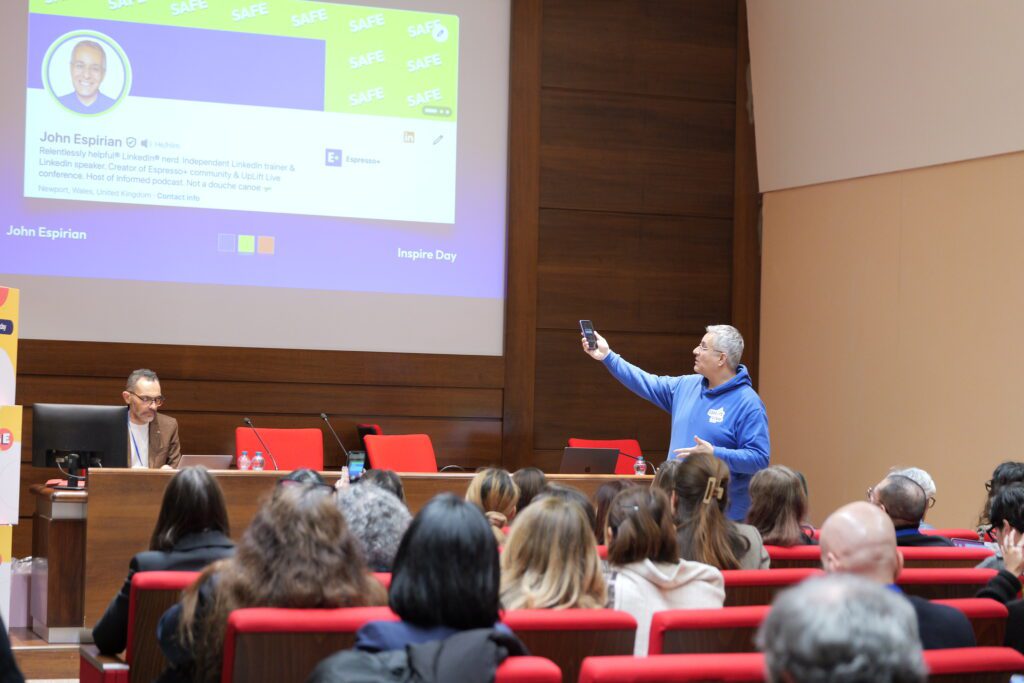
John Espirian speaking at Inspire Day, Milan on 30 January 2026